Here is how you navigate to the WRLD billing portal
First
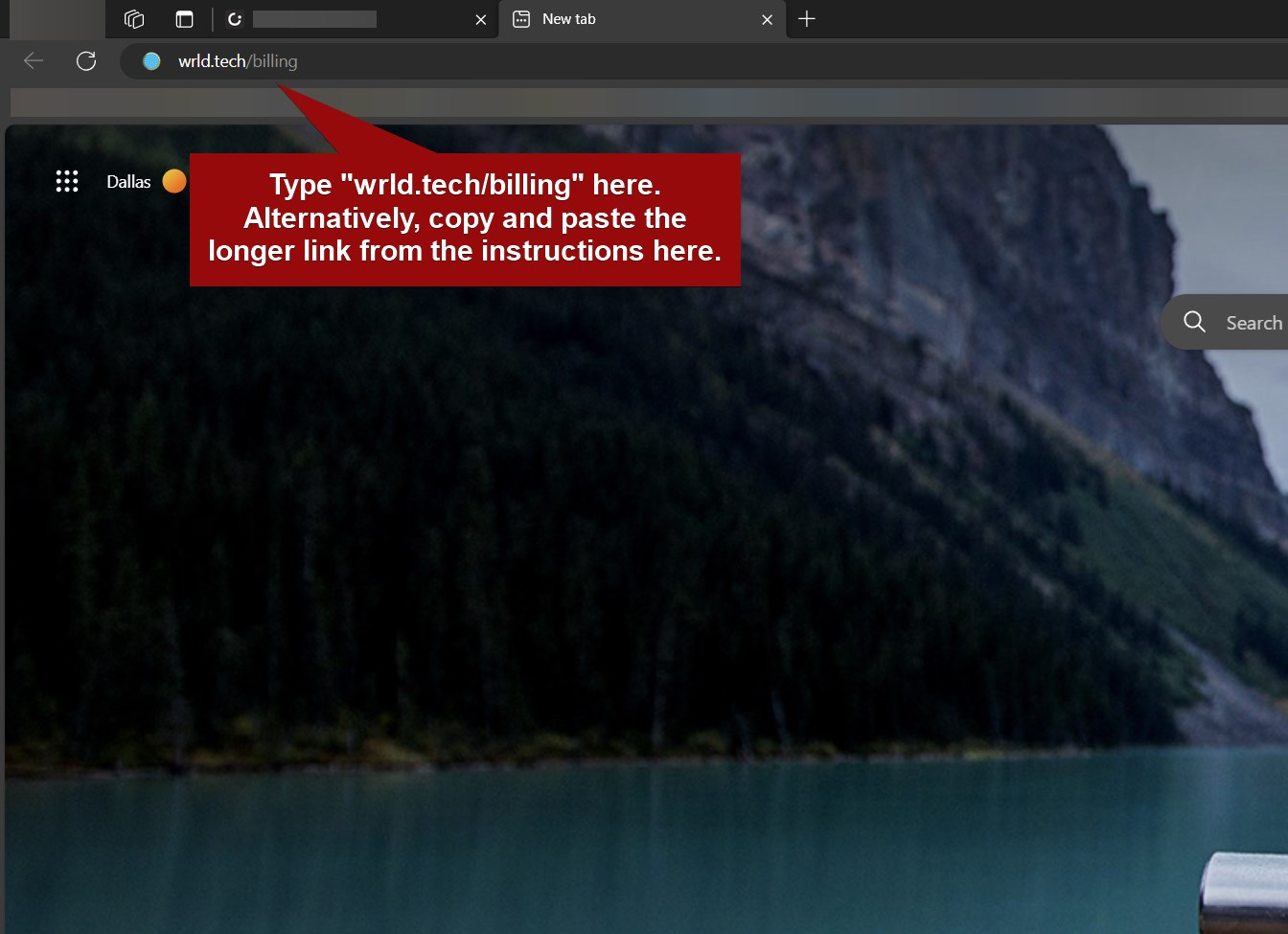
Open a new tab and type "wrld.tech/billing" to navigate to the billing portal.
Alternatively, you can copy and paste (or select) https://billing.wrld.tech/p/login/cN2dSw54jbC353iaEE to get to the portal.
Second
Type your accounting email in the email field and hit send. You will receive an access link in that email's inbox.
Third
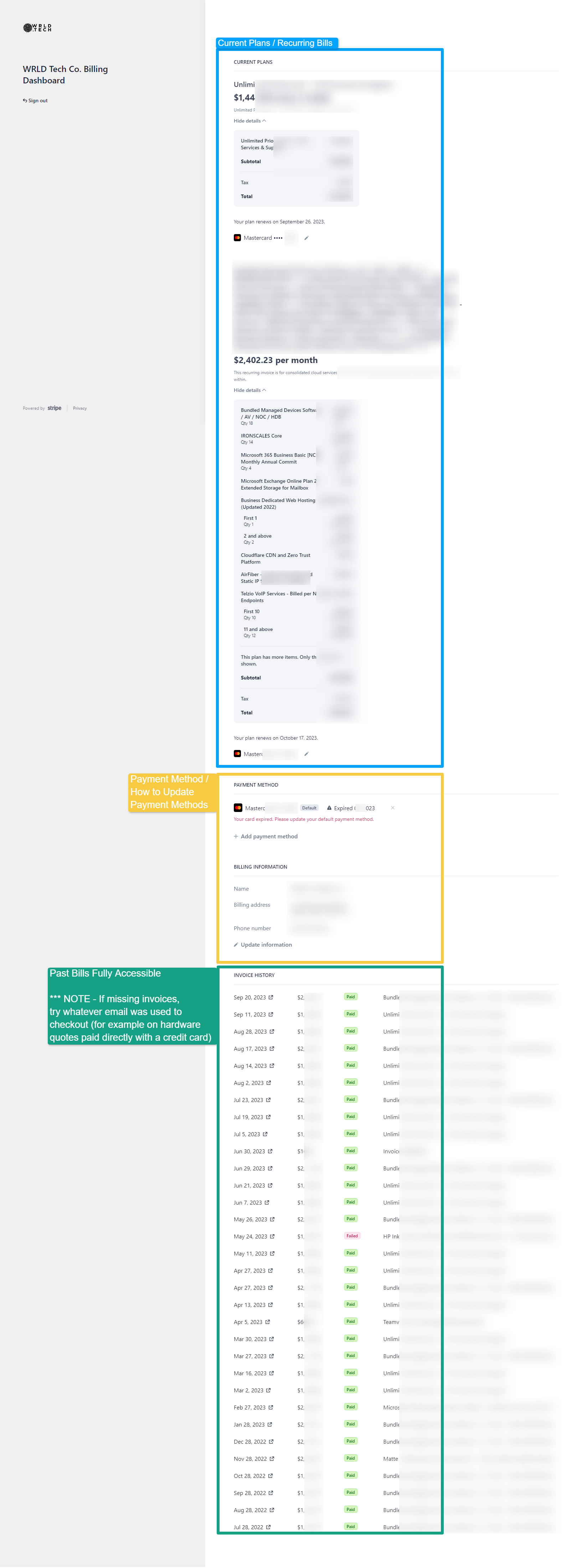
Accept that invite. After doing so, you will be greeted with all of your current and past bills/invoice. From here, you can see exactly what you're being charged for, item by item.
Quick View
Below is a breakdown screenshot of the landing page of your billing page. You can see a censored quick view of what you will see when you log in.